Practical guide
Verifying the certificate and receiving it in your wallet
Two different things: verifying the certificate needs nothing at all, receiving it in your wallet is optional. Both are covered here, step by step.
Verifying the certificate
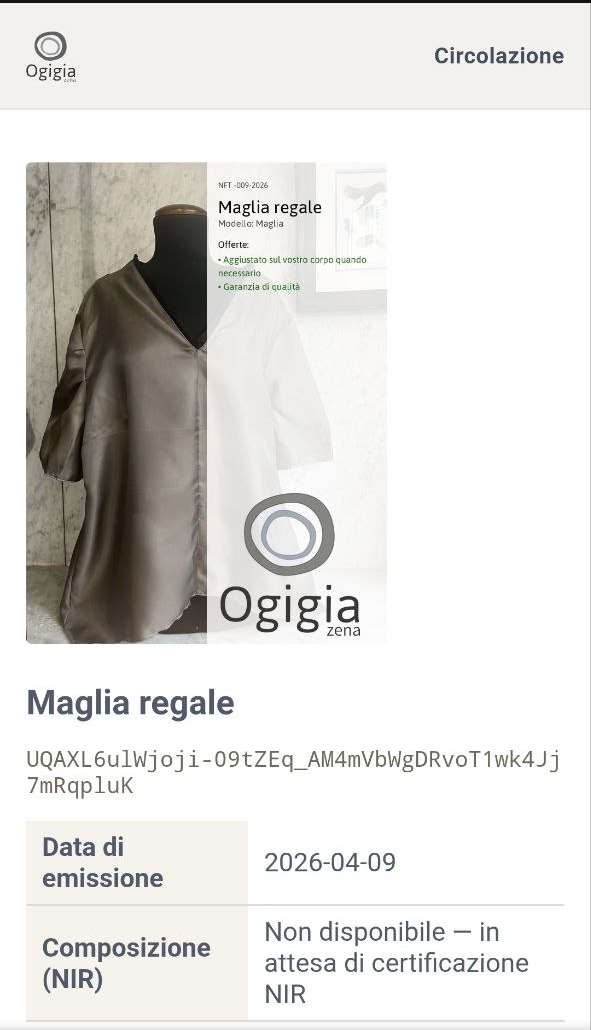
On your garment's tag there is a QR code. Point your phone's camera at it: a page will open where you can see all the certified information about your garment.
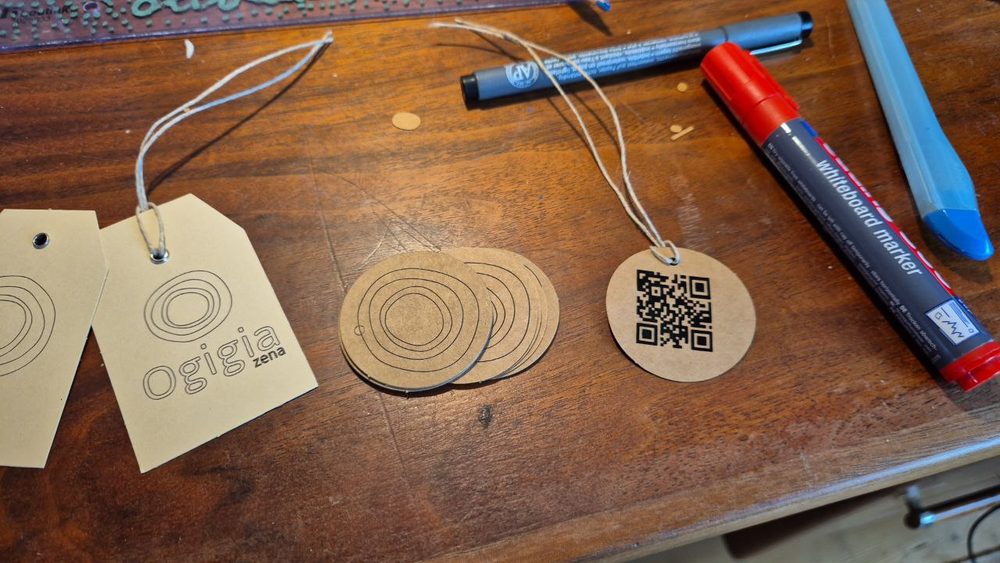
You don't need to install anything. It works with any phone.
That is all you need to verify the authenticity and history of your garment.
Receiving the certificate in your wallet
If you wish, you can also receive the digital certificate in your own personal digital wallet. It's like having the garment's identity card on your phone, under your name.
This is entirely optional: the certificate exists regardless and can always be viewed through the QR code. But if one day you want to resell or lend the garment, having the certificate in your wallet makes everything simpler.
To receive it:
- Set up a wallet (see instructions below)
- Find your wallet address (a string of letters and numbers that identifies your wallet)
- Send it to Ogigia by writing to r@ogigiazena.it or via Telegram
- Ogigia will transfer the certificate to your wallet
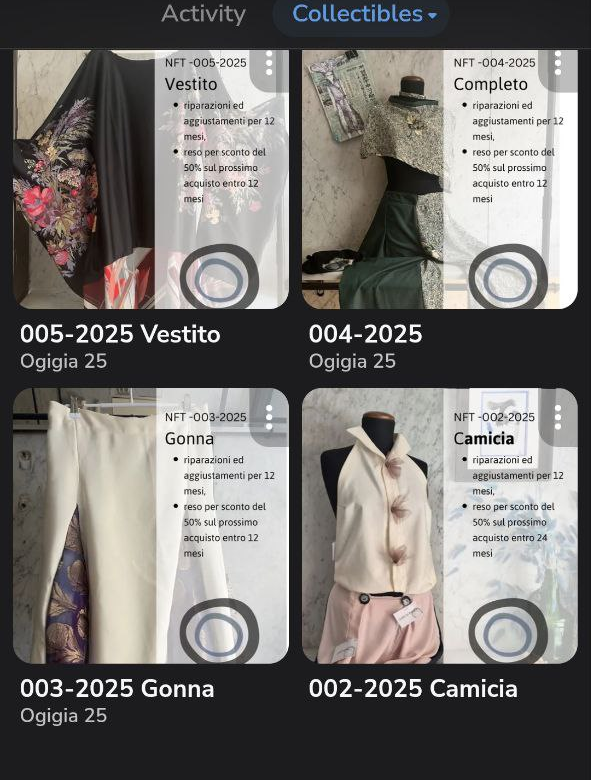
There is no rush. Your garment's certificate is kept safe by Ogigia until you request it.
How to set up a wallet
A wallet is a digital purse — an app on your phone that can hold certificates and other digital items. There are several options, all free. Here are the two simplest ones.
Option 1: Telegram Wallet
If you already use Telegram, this is the fastest way.
-
Open Telegram
-
In the search bar, type @wallet and open the result called "Wallet"
-
Tap Start to activate the wallet
-
Follow the steps to create your account (you will be asked to verify your phone number — it's the same one linked to Telegram)
-
Once activated, tap the ⚙️ icon (settings) in the top right corner inside the Wallet
-
You will see your address: a line of letters and numbers starting with "UQ" — tap to copy it
-
Send it to r@ogigiazena.it and Ogigia will transfer your garment's certificate
Option 2: Tonkeeper
If you don't use Telegram, you can install Tonkeeper, a standalone app available for all phones.
-
Download Tonkeeper:
- iPhone: search for it on the App Store
- Android: search for it on the Google Play Store
-
Open the app and tap Create a new wallet
-
The app will show you 24 recovery words — write them down on paper and keep them somewhere safe. They are needed to restore your wallet if you lose your phone. Do not share them with anyone
-
Confirm the words in the correct order
-
Your wallet is ready! On the main screen you will see your address at the top — tap to copy it
-
Send it to r@ogigiazena.it and Ogigia will transfer your garment's certificate
Frequently asked questions
- Can I do this later?
- Of course. Your garment's certificate is kept safe by Ogigia. Whenever you want to receive it, write to r@ogigiazena.it.
- What if I lose my phone?
- If you use Tonkeeper and kept your 24 recovery words, you can restore your wallet on a new phone. If you use Telegram Wallet, it is tied to your Telegram account.
That's all
If something does not add up, write to us: a person answers, not an automated service.
Back to the certificate pageOgigia — via di Pré 8r, Genova — r@ogigiazena.it